

2026-10-28 · 3 min
Google Business Profile for Coimbatore Businesses: A Simple Setup Guide
How to set up and improve your Google Business Profile so customers in Coimbatore can find your shop, studio or clinic on Google Search and Maps. A practical checklist you can finish in one afternoon.
The question
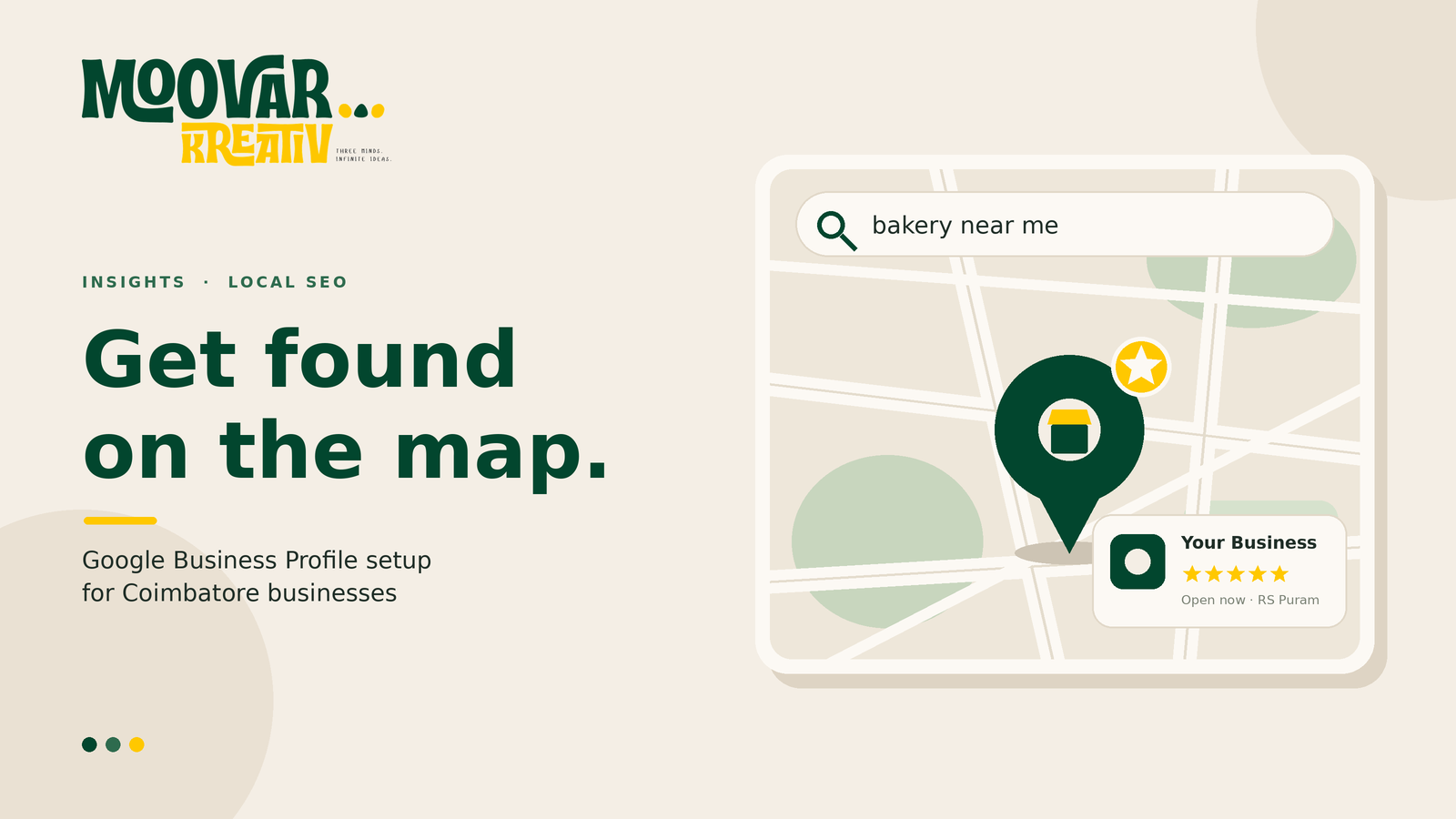
When someone in Coimbatore searches for "bakery near me" or "dentist in RS Puram", the first thing they usually see is not a website. It is a map with three businesses on it. That box is powered by your Google Business Profile, and it is free.
Many small businesses either have no profile, or have one that was created years ago and never touched. If that sounds like you, this is probably the quickest local SEO win available.
Step 1: Claim and verify your profile
Search for your business name on Google. If a profile already exists, you can claim it. If not, create a new one at business.google.com.
Google will ask you to verify that you really run the business. This is usually done by video, phone or a code. Until you are verified, you cannot fully control what customers see, so do not skip this step.
Step 2: Get the basics exactly right
Your business name, address, phone number and opening hours should be correct and should match your website, your Instagram bio and your invoices. Mismatched details confuse both customers and Google.
Use your real business name, the way it appears on your shop board. Adding keywords to the name, such as "Best Cheap Website Design Coimbatore", can get a profile suspended.
Choose a main category that describes what you do most, such as "Bakery", "Dental clinic" or "Graphic designer". Then add a few secondary categories if they are genuinely true.
If customers visit you, drop the pin on the exact location of your entrance. If you serve customers at their homes or offices, set a service area instead of showing your address.
Step 3: Show your business with real photos
Add a clear logo, a cover photo, photos of the outside of your shop so people can recognise it, photos of the inside, and photos of your products, work or team.
Use your own photos. Stock images do not help customers decide, and they do not show what makes you different. Fresh photos every month also show that the business is active.
Add your services or products with short, plain descriptions. Write the way you would explain it to a customer standing at your counter.
Step 4: Ask for reviews, and reply to them
Reviews are one of the strongest trust signals on your profile. The best time to ask is right after a happy customer says thank you.
Google lets you copy a direct review link from your profile. Send it on WhatsApp with a short, polite message. Never pay for reviews, offer gifts in exchange for them, or write them yourself. This goes against Google's rules and customers can usually tell.
Reply to every review, including the critical ones. A calm, helpful reply to a bad review often earns more trust than ten perfect ratings.
Step 5: Connect your profile to your website
Add your website link to your profile, and make sure your website shows the same name, address and phone number. If you have separate pages for each service, link to the most relevant one rather than only the homepage.
On your website, add a simple "Visit us" section with your address, opening hours and an embedded map. This helps visitors, and it reinforces the same details everywhere.
A 30-minute checklist
Claim and verify your profile.
Check that your name, address, phone number and hours are correct.
Pick one main category and a few honest secondary ones.
Upload at least ten real photos.
Add your main services or products.
Send your review link to five recent customers.
Add your profile link to your website, Instagram and WhatsApp Business.
Where to go from here
A good Google Business Profile will not replace a good website, but the two work best together. The profile helps people find you. The website helps them trust you and get in touch.
If you would like help setting up either one, or want us to review your current profile, send us a WhatsApp message. We start with a conversation.
Where to go next
If this is the problem you are working on, these pages go into the actual offer.
More from the studio
6 min
How to make a website easy to find in Coimbatore
A practical guide for shops and studios in Coimbatore: the first screen, one page per offer, the words people type, and a checklist you can do this week.
5 min
Website design for small businesses in Tamil Nadu
A site that can be found, read on a phone, and messaged in two taps. That is website creation as we do it.