

2026-11-04 · 4 min
How to Get More Google Reviews in Coimbatore (Without Feeling Awkward)
A simple, honest way for Coimbatore shops, clinics and studios to ask for Google reviews, reply to them, and turn them into more customers. Includes ready-to-use WhatsApp messages in English and Tamil.
The question
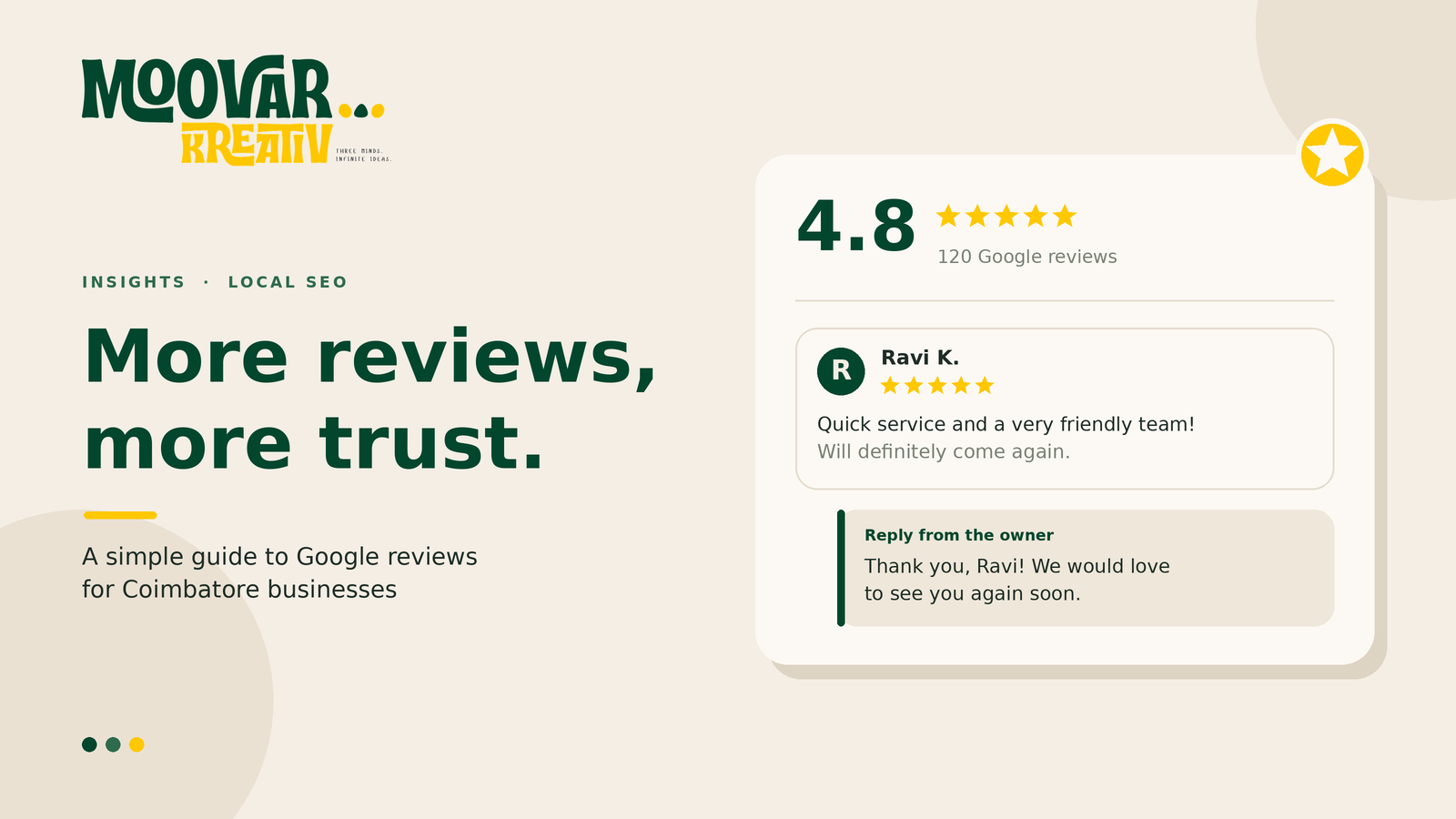
Two bakeries show up on the map. Both are close to you. One has 4.8 stars from 120 reviews. The other has 3 reviews. Which one do you walk into?
Most customers make that choice in a few seconds, before they ever see your website. Reviews are also one of the signals Google considers when showing local businesses, so they help you in two ways: more people find you, and more people trust you once they do.
The problem is that most owners feel awkward asking. This guide makes it simple.
Why reviews matter for local SEO
When someone searches for "dentist near me" or "boutique in Gandhipuram", Google tries to show businesses that are relevant, nearby and well known. Reviews help show that your business is real, active and trusted.
What counts is not just the star rating. The number of reviews, how recent they are, and what customers actually write all matter. A review that says "they fixed my laptop screen in one day" tells Google and future customers far more than "good service".
Step 1: Get your direct review link
Open your Google Business Profile and look for the option to ask for reviews or share a review form. Google gives you a short link that opens the review box directly.
Save that link in your phone notes. Better still, create a QR code for it and print it on your counter, bill book or packaging. The fewer taps a customer needs, the more likely they are to finish.
Step 2: Ask at the right moment
The best time to ask is right after a customer has said something positive, such as "this looks great" or "thank you, that was quick". Their happiness is fresh, and the experience is easy to describe.
Ask in person first, then send the link on WhatsApp so they can do it later. A simple line works well: "If you liked the service, a short Google review would really help us."
Step 3: Use a message that sounds like you
Here is a simple WhatsApp message in English you can copy and change:
Hi [Name], thank you for choosing us today. If you were happy with the service, we would be very grateful for a short Google review. It takes under a minute: [your link]
And here is a version in Tamil:
வணக்கம் [பெயர்], இன்று எங்களிடம் வந்ததற்கு நன்றி. சேவை உங்களுக்கு பிடித்திருந்தால், ஒரு சிறிய Google review எழுதினால் எங்களுக்கு மிகவும் உதவியாக இருக்கும். இதோ link: [your link]
Keep it short, polite and personal. Use the customer's name, and never send the same message to hundreds of people at once.
Step 4: Reply to every review
Reply to every review, even a short one. For a happy customer, thank them by name and mention something specific from their visit.
For a critical review, stay calm. Thank them for the feedback, apologise if something went wrong, say what you will do about it, and offer to continue the conversation by phone. Future customers read your reply to see how you treat people when things go wrong, and a thoughtful response often builds more trust than a perfect rating.
What not to do
Do not pay for reviews, offer gifts or discounts in exchange for them, or write reviews for your own business. Do not ask only your happiest customers while avoiding the others, and do not ask friends and family to post reviews who have never used your service.
This goes against Google's rules, and fake or incentivised reviews can be removed. In serious cases, your profile can be affected. Slow and honest growth is safer, and customers can usually tell the difference.
A simple weekly habit
Pick a fixed time each week, for example Saturday evening.
Look at the customers you served that week and send your review link to the ones who were clearly happy.
Check for new reviews and reply to each one.
Aim for a steady flow, such as three to five new reviews a week, rather than a rush that stops.
Where to go from here
Reviews work best together with a complete Google Business Profile and a clear website. If you have not set up your profile yet, start with our guide to Google Business Profile for Coimbatore businesses, then come back to this one.
If you would like help with your profile, your website or a simple review process for your team, send us a WhatsApp message. We start with a conversation.
Where to go next
If this is the problem you are working on, these pages go into the actual offer.
More from the studio
3 min
Google Business Profile for Coimbatore Businesses: A Simple Setup Guide
How to set up and improve your Google Business Profile so customers in Coimbatore can find your shop, studio or clinic on Google Search and Maps. A practical checklist you can finish in one afternoon.
6 min
How to make a website easy to find in Coimbatore
A practical guide for shops and studios in Coimbatore: the first screen, one page per offer, the words people type, and a checklist you can do this week.